Publish a static site
Publish a directory from a sandbox, like a build's dist/, as a static site at name.on.pols.so that stays up when the sandbox stops or is deleted.
pols publish copies a directory out of a sandbox into pols’s own storage and serves it at https://<name>.on.pols.so. Use it for a built frontend, a docs site or a report you want to show someone. pols serves the files itself, so the site stays up while the sandbox is in standby, stopped or deleted.
pols publish web app/dist                         # a new site with a generated name, private
pols publish web app/dist --site my-docs          # publish to my-docs (made if it does not exist yet)
pols publish web ~/out --site demo --access link  # anyone with the share link may open it
pols sites ls                                     # the org's sites: name, access, live version, size, URL
pols publish SANDBOX DIR reads DIR in the sandbox. Without --site, it makes a new site with a generated name; with a --site name that does not exist yet, it makes the site with that name; with an existing site, it publishes a new version of it, which goes live at once. A new site is private: only your org’s users can open it, until you choose otherwise with --access (see Who can open a site).
To serve a program that runs, like a development server or an API, publish its port with pols host instead. A published port needs the sandbox to run; a site does not.
What gets published
- The sandbox must be running. One in standby is woken; a stopped one must be resumed first (
409 conflict). DIRis read as the sandbox user, or as another sandbox user you name with--user. A relativeDIR, or one starting with~/, is in that user’s home.- Only regular files are published. Symbolic links, devices, and files and directories whose names start with a dot are skipped, except a
.well-known/directory at the top. The answer counts what was skipped. - A directory that does not exist or cannot be read fails with
400 bad_request.
If a publish fails, the CLI, the MCP server and the dashboard delete a site they made for it; the name stays your org’s.
How the site is served
| Request | Answer |
|---|---|
a path ending in / |
that directory’s index.html |
/about, when about/index.html exists |
a redirect to /about/ |
/about, otherwise |
about.html |
| anything missing | the site’s 404.html, with status 404 |
Sites answer GET and HEAD. Content types come from a fixed list of file types; a file of another type is offered as a download. Every answer has an ETag from the file’s content and Cache-Control: no-cache, so browsers check for a new version on every visit. A site cannot set headers of its own, and nothing runs on the server side: there is no build step, no custom headers and no functions. Redirects are set on the site, not in a file: see Redirects.
Redirects
A site can redirect in two ways. Both answer with a real HTTP redirect, 301 by default or 302.
- The whole site:
pols sites set SITE --redirect URL [--redirect-status 302]makes every host of the site, its custom domains included, redirect toURLinstead of serving files.URLis used as it is: the request’s path and query are dropped. It must be an absolutehttporhttpsURL that is not on one of the site’s own hosts.--redirect ""removes it. - Single paths:
pols sites redirects set SITE --file rules.jsonreplaces the site’s list of rules; every other path keeps serving the site’s files.--file -reads the rules from stdin,echo '[]' | pols sites redirects set SITE --file -removes them all, andpols sites redirects get SITEshows them.
A rules file is a JSON list (or the {"redirects": [...]} that pols sites redirects get --json prints). Each rule has a from path, a to that is a path on the site or an absolute http or https URL, and an optional status, 301 or 302:
[
  {"from": "/2013/01/11/hello-world/", "to": "/hello-world/"},
  {"from": "/?p=12", "to": "/hello-world/"},
  {"from": "/shop/", "to": "https://shop.example.com/", "status": 302}
]
How a rule matches:
frommatches one exact path, case-sensitively. There are no wildcards or prefixes.- A trailing slash does not matter:
/shopand/shop/are the same rule, so a list cannot hold both. - A rule without a query matches its path with any query. A rule with a query matches only that exact set of parameters, in any order:
/?p=12matches/?p=12but not/?p=12&x=1, and/without a query keeps serving the site’s index. - The request’s query is not carried over:
tois used as it is stored. - A rule wins over a file at the same path. A rule cannot redirect a path to itself.
A request is answered in this order: plain HTTP to HTTPS and other custom domains to the primary domain first, then the site’s access (someone it does not let in is never redirected), then the whole-site redirect, which overrides every path rule while it is set, then the path rules, then the files. Rules belong to the site, not to a version, so publishing or restoring a version keeps them. A change applies within a few seconds. A site has at most 5000 rules; a from is at most 1024 characters, a to or whole-site URL at most 2048. Path rules apply to sites that serve files: a server app answers its own paths.
Sandboxes cannot reach *.on.pols.so (see Network egress), so open a site from your own machine, not from inside a sandbox.
Names
Without --site, a site gets a generated name like the sandboxes’ host labels: an adjective, an animal and a random suffix, like braveotterk3f9. A name you choose must:
- be 3 to 63 characters of lower-case letters, digits and single hyphens between them;
- not look like a sandbox address: not end in a hyphen followed by a port number,
desktoporcdp, and not start withsbx-; - not contain
pols, and not be a reserved word such aswww,apiordocs.
Site names share on.pols.so with sandbox addresses, so a name is unique across all orgs and all sandbox host labels; a taken name fails with 409 conflict. A name stays your org’s for good, also after you delete the site, so no other org can ever serve content at an address you used. You can publish to it again.
Limits
| What | Limit |
|---|---|
| Files in one version | 10,000 |
| Size of one version | 100 MiB |
| Sites per org | 20 |
| Storage of all of an org’s sites | 2 GiB, counting each distinct file once per site |
| Publishes per org | 30 an hour |
A publish over a size or count limit fails with 403 quota_exceeded, and one over the hourly limit with 429 rate_limited. Delete sites, or lower how many versions they keep, to make room.
Billing
Sites have no price of their own: their files are billed as disk, at the same rate as sandbox and template disks (see Usage and billing). Once an hour, pols adds up the distinct files every site’s kept versions hold; a file that is the same in several versions of a site counts once. A site’s bytes (pols sites ls shows it as its size) is that number. Deleting a site, or keeping fewer versions, ends the charge for what it held.
Managing sites
pols sites ls               # list the org's sites (also: pols sites)
pols sites get my-docs      # one site and its versions, newest first
pols sites rm my-docs       # stop serving it at once and delete all its versions
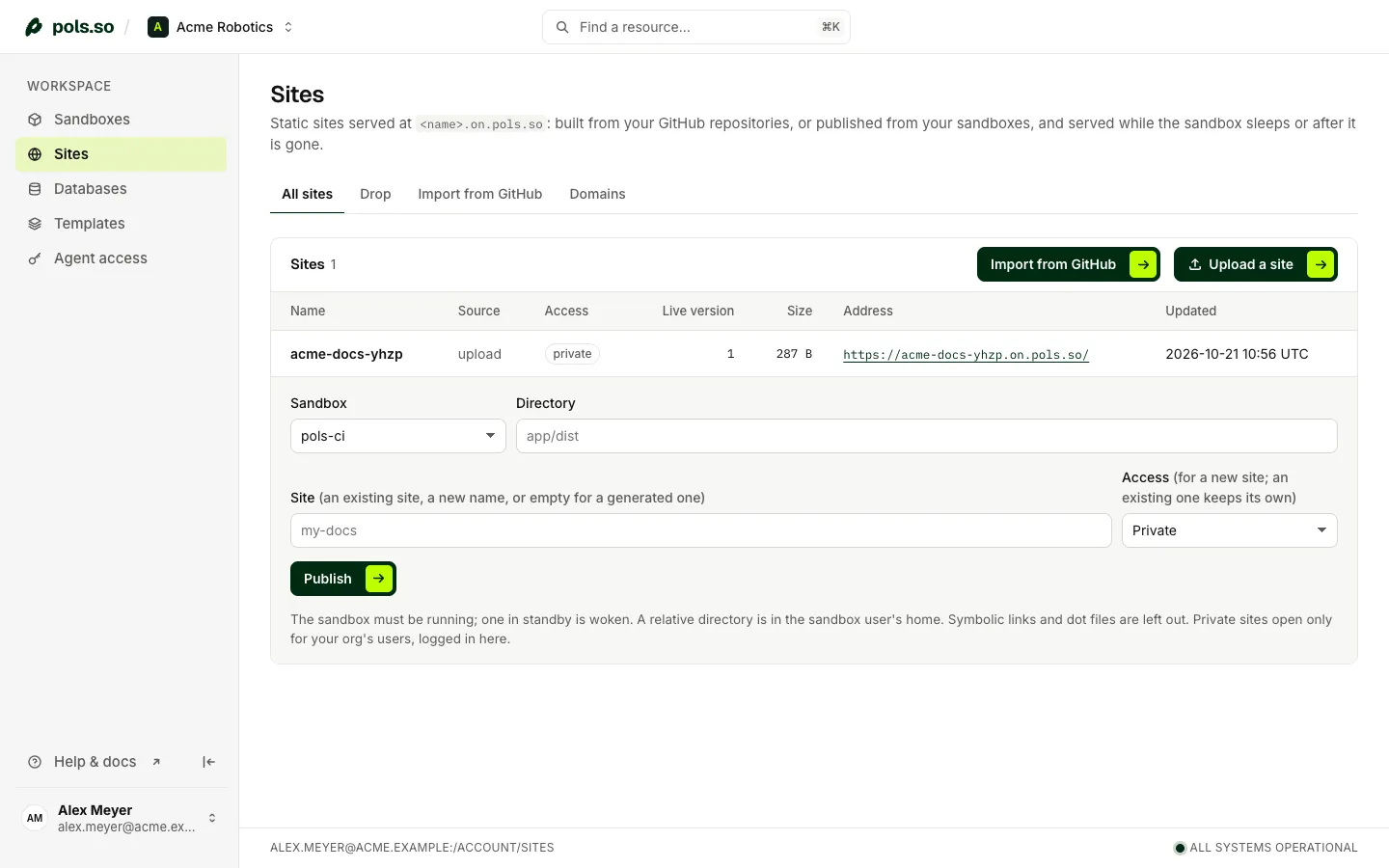
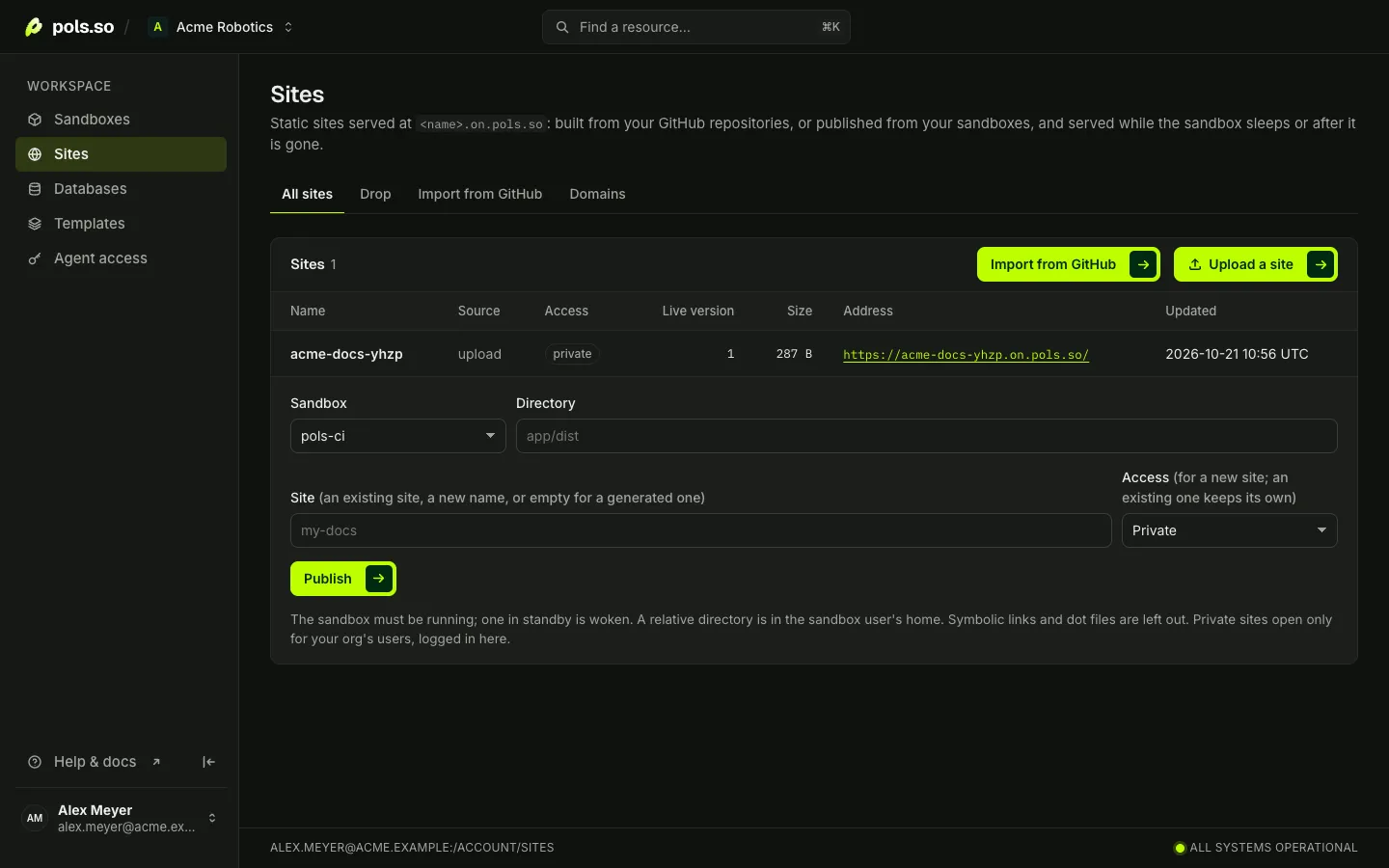
The dashboard has the same: your org’s sites, their versions, access and share links, and publishing from a running sandbox.
Over the API
| Call | Does |
|---|---|
POST /v1/sites |
create a site without a version yet, with an optional name, access and keep_versions |
GET /v1/sites |
list the org’s sites |
GET /v1/sites/{site} |
one site |
PATCH /v1/sites/{site} |
change its access, keep_versions or whole-site redirect (redirect_url, redirect_status; "redirect_url": "" removes it) |
GET /v1/sites/{site}/redirects |
its path redirect rules, in order |
PUT /v1/sites/{site}/redirects |
replace all its path redirect rules with redirects; [] removes them |
DELETE /v1/sites/{site} |
delete it and all its versions |
POST /v1/sites/{site}/versions |
publish path of sandbox (as user) as the new live version |
GET /v1/sites/{site}/versions |
its versions, newest first |
POST /v1/sites/{site}/versions/{version}/restore |
make a kept version live again |
POST /v1/sites/{site}/link |
give it a new share link |
Over the API, create the site first, then publish to it. {site} is the site’s ID (site_...) or name. Agents have the same through the MCP server’s site_* tools, and Node.js code through the TypeScript client’s pols.sites.
Not available yet
- Custom domains for private sites: public and link sites can have custom domains.
- Custom headers: a published site is static files. Server-side code runs only in a site built from a GitHub repository as a server app.
- Visitor accounts, invitations and comments: a site is open to your org’s users, to anyone with its share link or to everyone.
- Publishing a running port as a site: use
pols hostfor a running server.