Quickstart
Install the pols CLI, sign up or log in from it, create a sandbox, run a command in it and clean up.
This takes about five minutes. You need a Linux or macOS machine with curl and a pols.so account.
Install the CLI
curl -fsSL https://pols.so/install.sh | shThe script installs pols to ~/.local/bin (set POLS_INSTALL_DIR to choose another directory) and checks the download against its published checksums. If Claude Code is installed and you run the script in a terminal, it also offers to install the pols skill and register the MCP server; press Enter to accept.
Log in
pols signup --email you@example.com
pols org
pols emails you a link and a code, which the command prints too. Check that they match and approve on the page the link opens: for a new address that creates your account, and for an existing one it logs you in. There is no password. The command waits for at most 15 minutes, then stores a new API key in your user config directory, readable only by you. Nothing is created before you approve; if nobody approves in time, the login expires, and you run the command again for a new email. New accounts are also approved by hand by pols.so: if yours still waits for that approval when the 15 minutes run out, the command stops without storing a key, and you run it again once the approval email from pols.so arrives. Your agent can do the same for you through the MCP server’s account_signup tool.
Or sign up at https://my.pols.so/signup, create an API key on your account page (its secret is shown once), and store it with pols login, which reads it from standard input. See API keys for expiry and revocation. pols org shows your org, its quotas and what it uses. To avoid storing the key, export POLS_API_KEY instead; it takes precedence over a stored key.
Create a sandbox
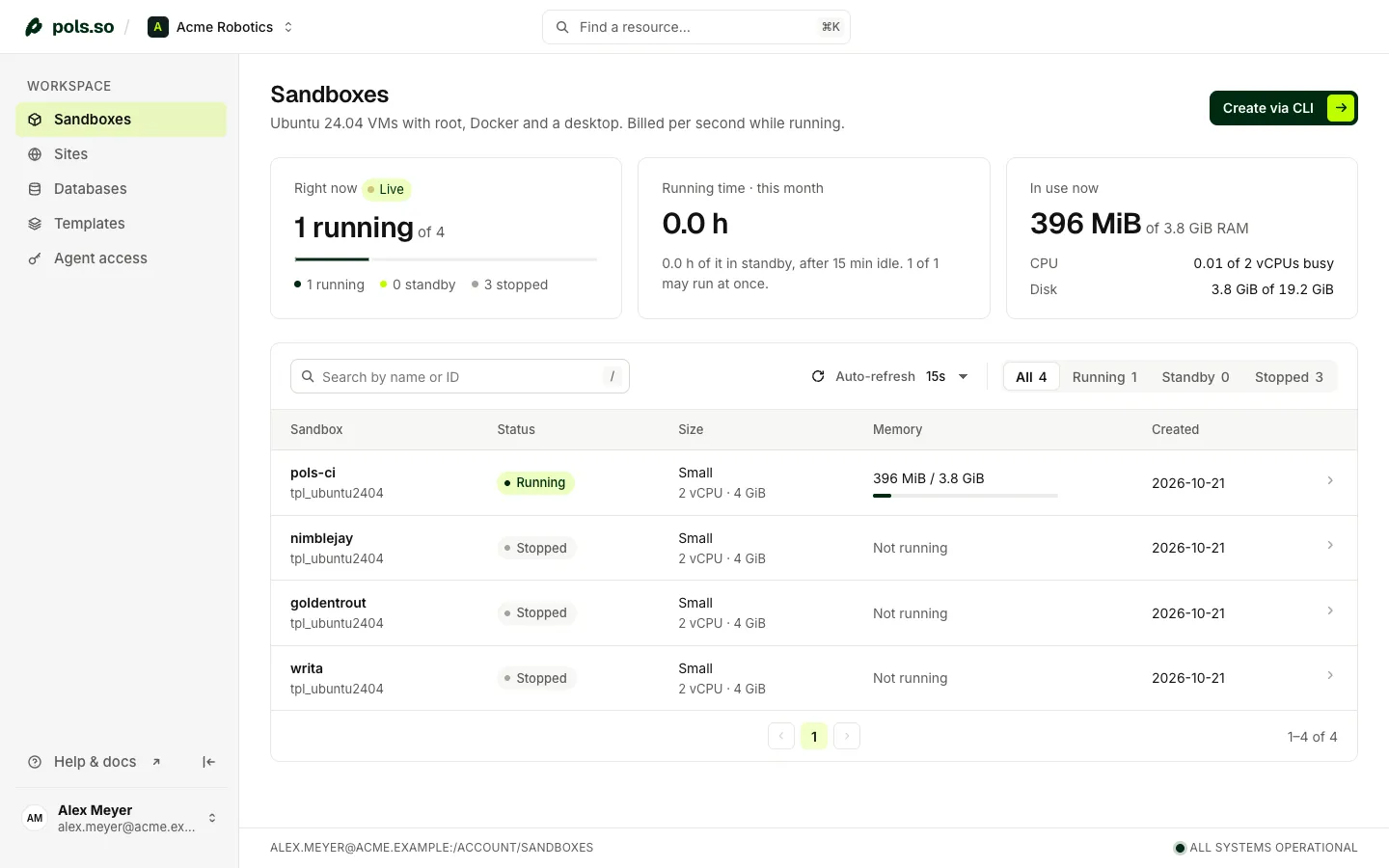
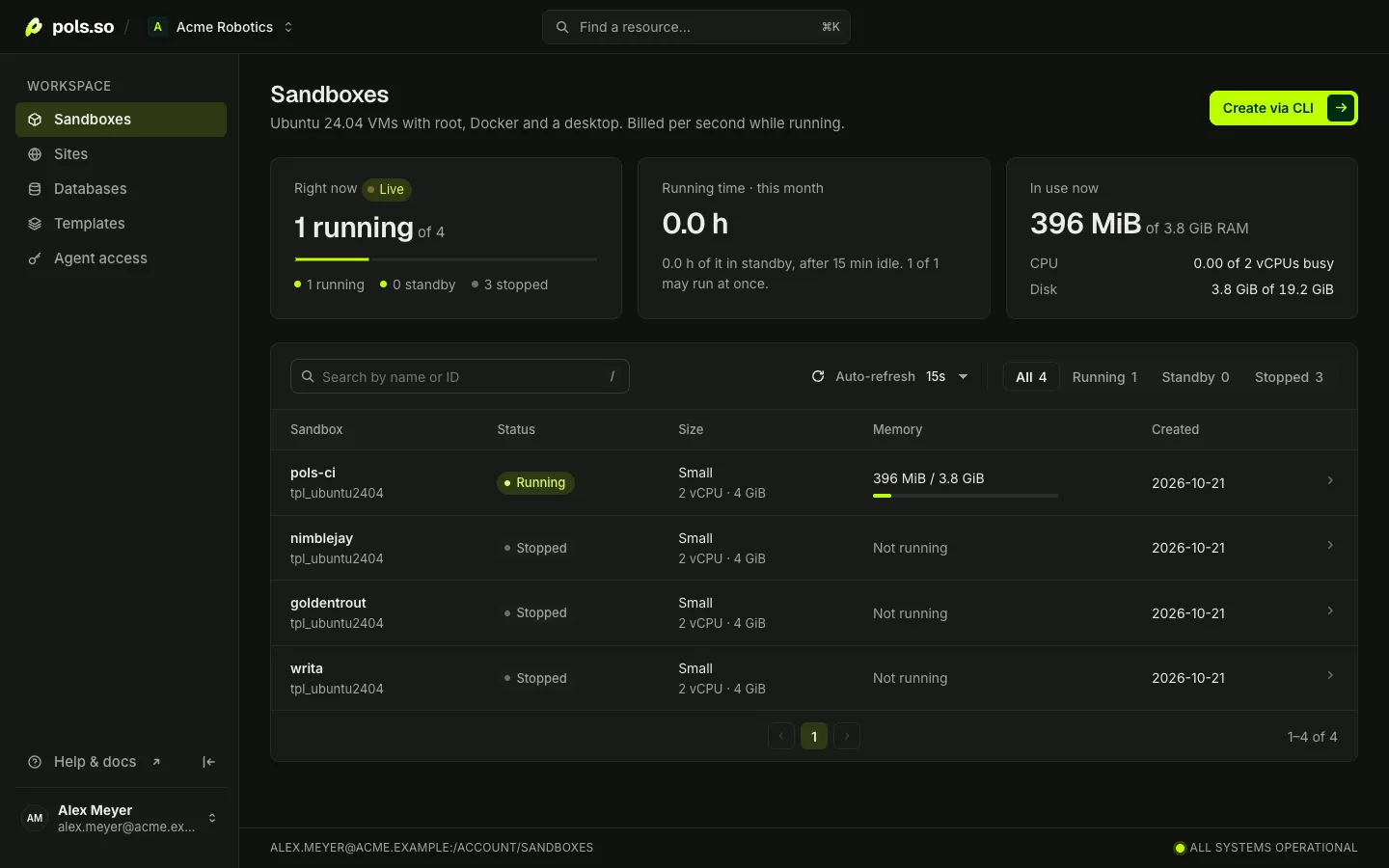
pols new --name demoThe command waits until the sandbox runs, which for the default size usually takes under a second (3 to 4 seconds when it has to boot a fresh VM), and prints its ID (sbx_...) and name. You can use the ID or the name demo everywhere. Without --name, the sandbox gets a generated name like braveotter, which pols new prints; use it in the commands that follow. Without --size, it gets the small size (2 vCPU, 4 GiB RAM); see sizes.
Run commands
pols exec demo -- uname -a
pols exec demo -- bash -lc 'git clone https://github.com/octocat/Hello-World && ls Hello-World'
pols exec demo --root -- apt-get update
Output streams as it arrives and pols exits with the command’s exit code. Use bash -lc '...' for pipes, cd and &&. See Commands and files.
Copy files
pols cp ./notes.md demo:/home/user/notes.md
pols cp demo:/home/user/Hello-World/README ./README
Stop or delete it
pols stop demo     # keeps the disk; ends CPU and RAM charges
pols resume demo   # boots it again from the same disk
pols rm demo       # deletes the sandbox and its disk for good
Next steps
- Add
--jsonto any command (exceptpols mcp) to get one JSON document on stdout, errors included. Use it in scripts. - Keep API keys and passwords in the vault and pass them with
--secretinstead of--env. - Connect your coding agent with the MCP server or the agent skill.
- Look up every command in the CLI reference.